


Tap to Pay on iPhone
Accept contactless payments on your iPhone.
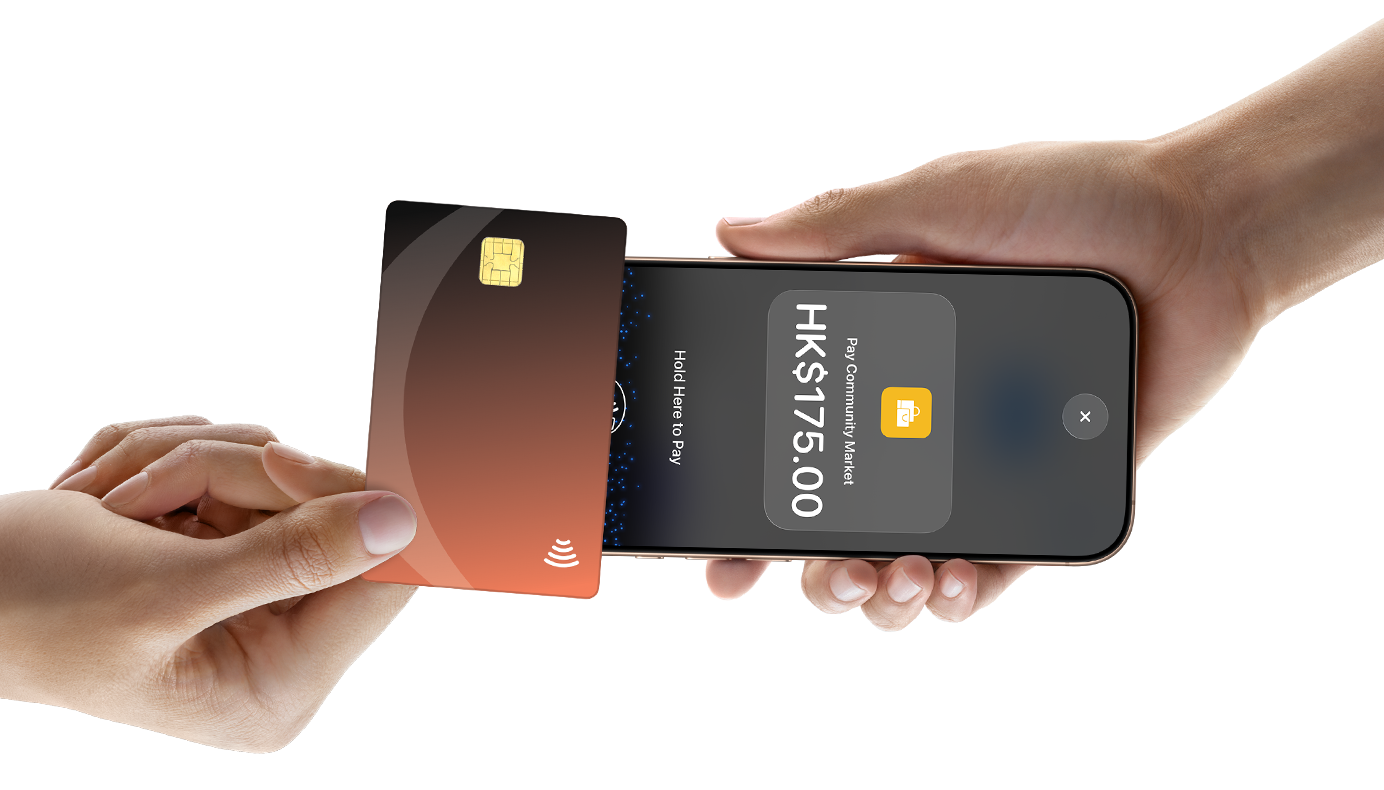
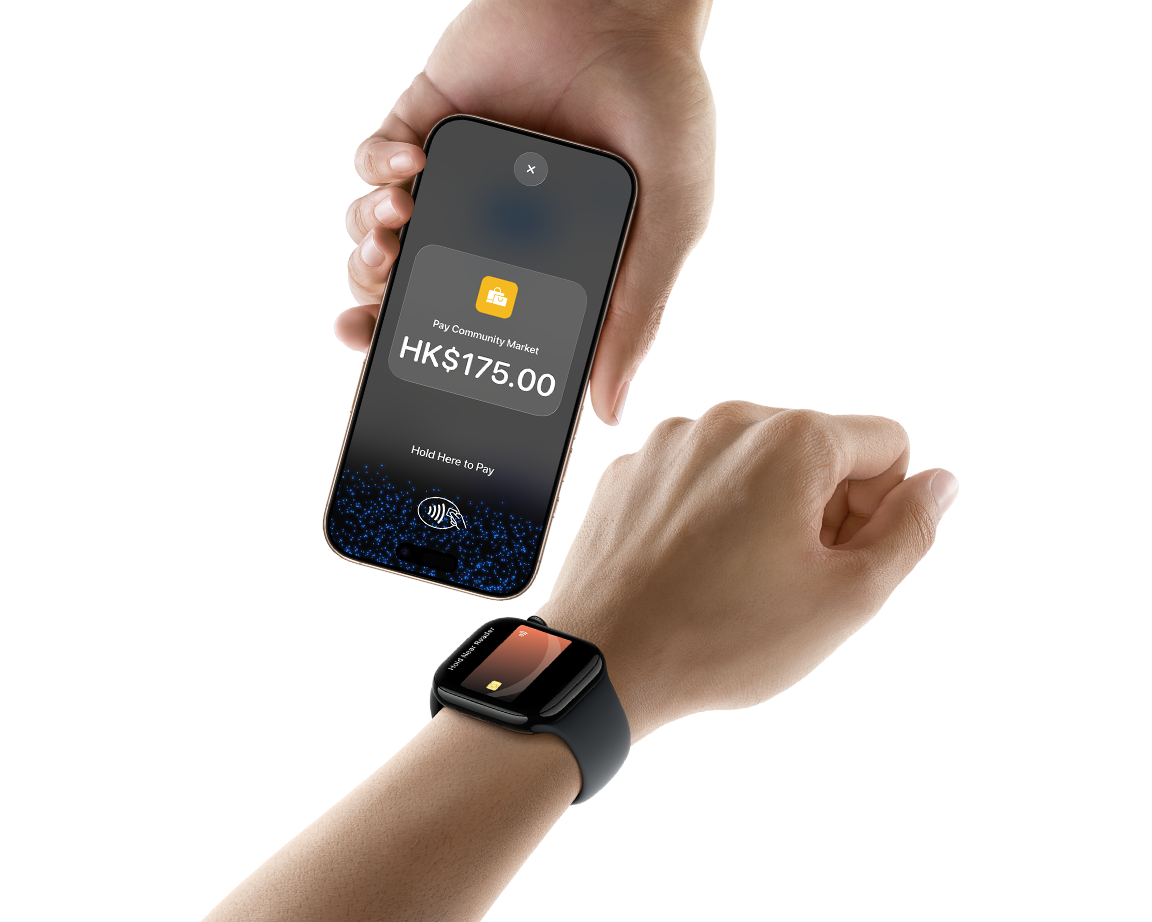
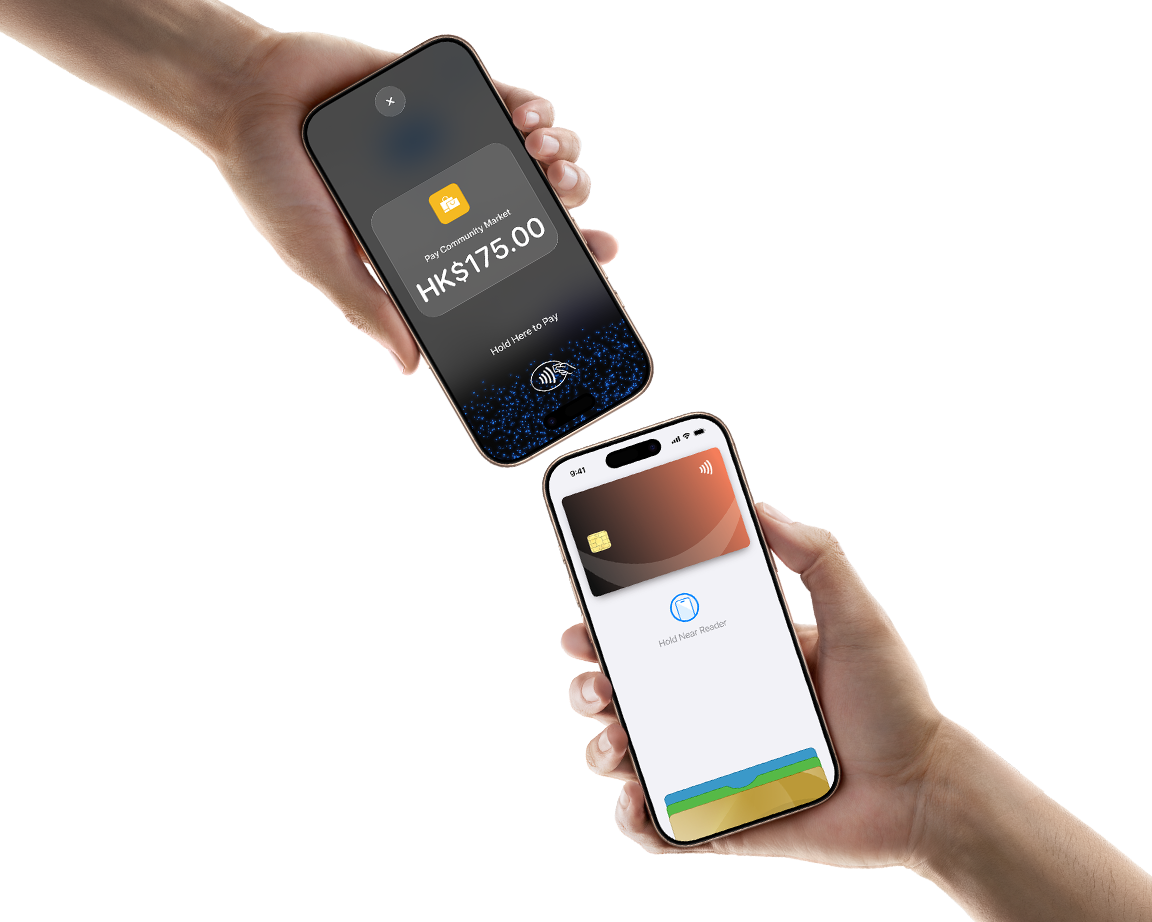
Tap to Pay on iPhone is now available with SoéPay. That means anyone can accept all types of in-person, contactless payments — from physical debit and credit cards to Apple Pay and other digital wallets. It’s easy and secure, and no additional hardware is needed. All you need is iPhone.
Discount
Tap to Pay on iPhone
get start in the SoéPay - Tap to Pay
HK$0 Account Setup Fee
Special Merchant Transaction Rates starting from 1.4%
Operation
How it works.
Value
Advantages of using Tap to pay on iPhone
01
Expand where you do business.
02
No additional hardware.
03
Privacy and security built in.
04
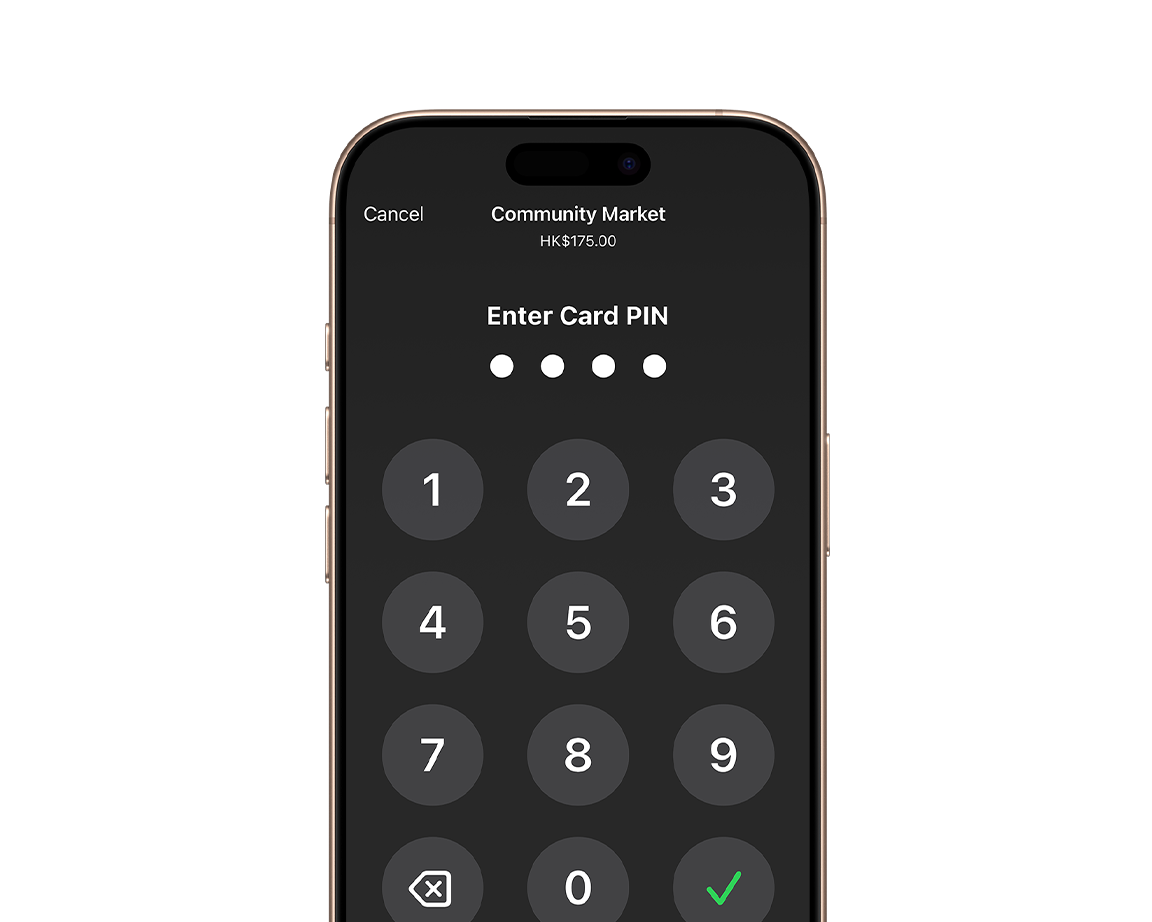
PIN transaction protection.

05
Accessible for everyone.
How to Use
Takes a few steps to complete
1
Open the SoéPay app on your iPhone,
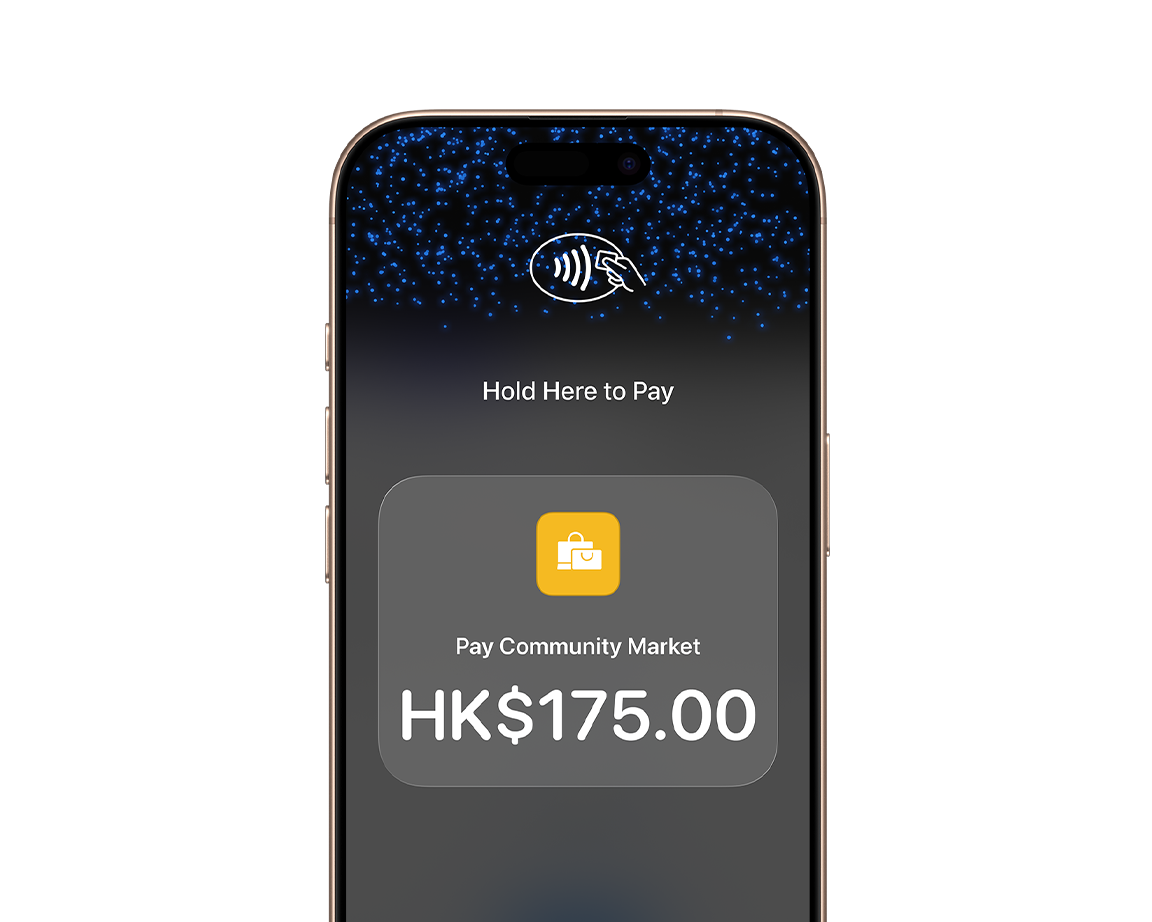
enter the amount, then tap “Charge.”
2
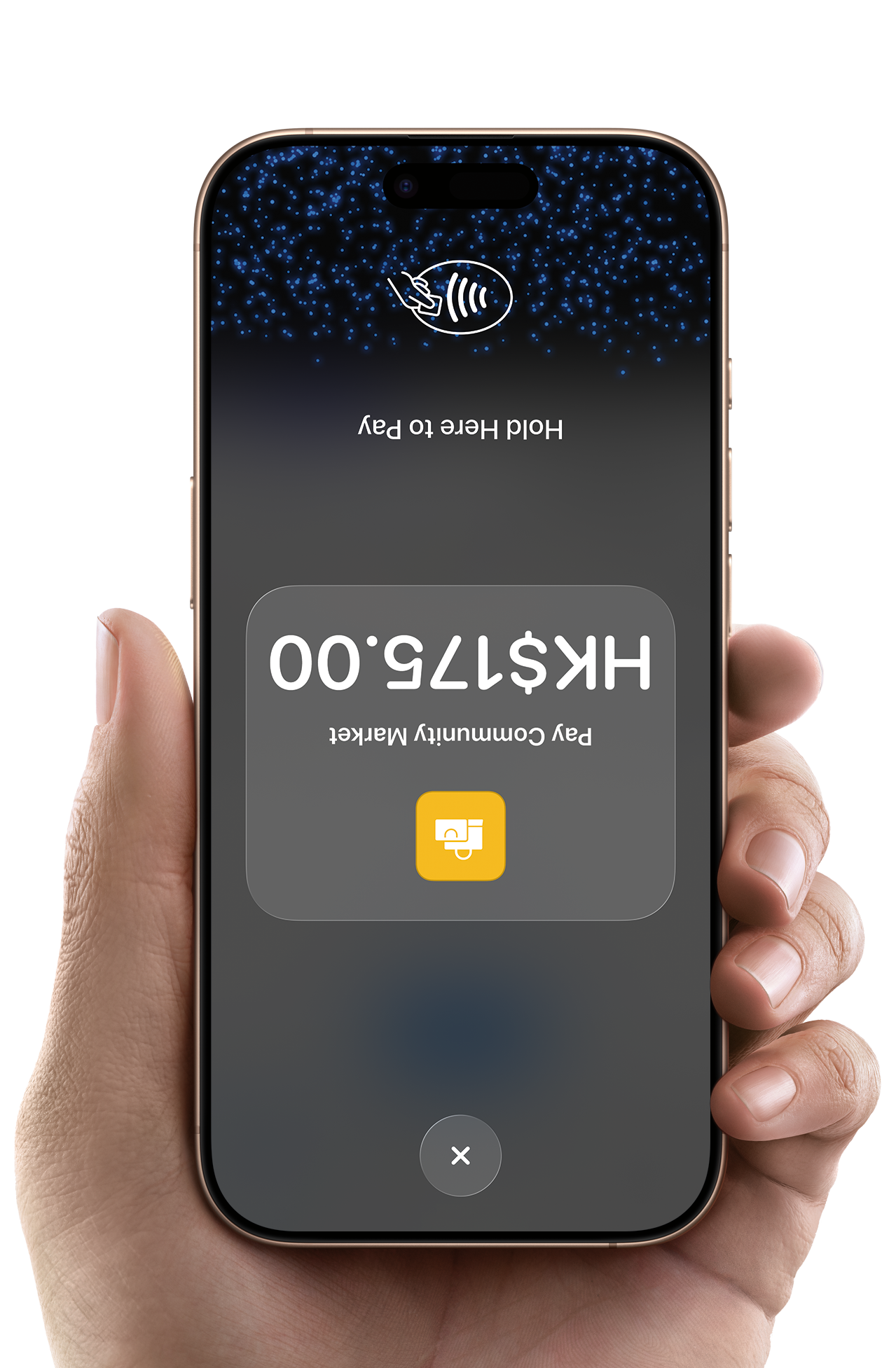
Show your iPhone to the customer.
3
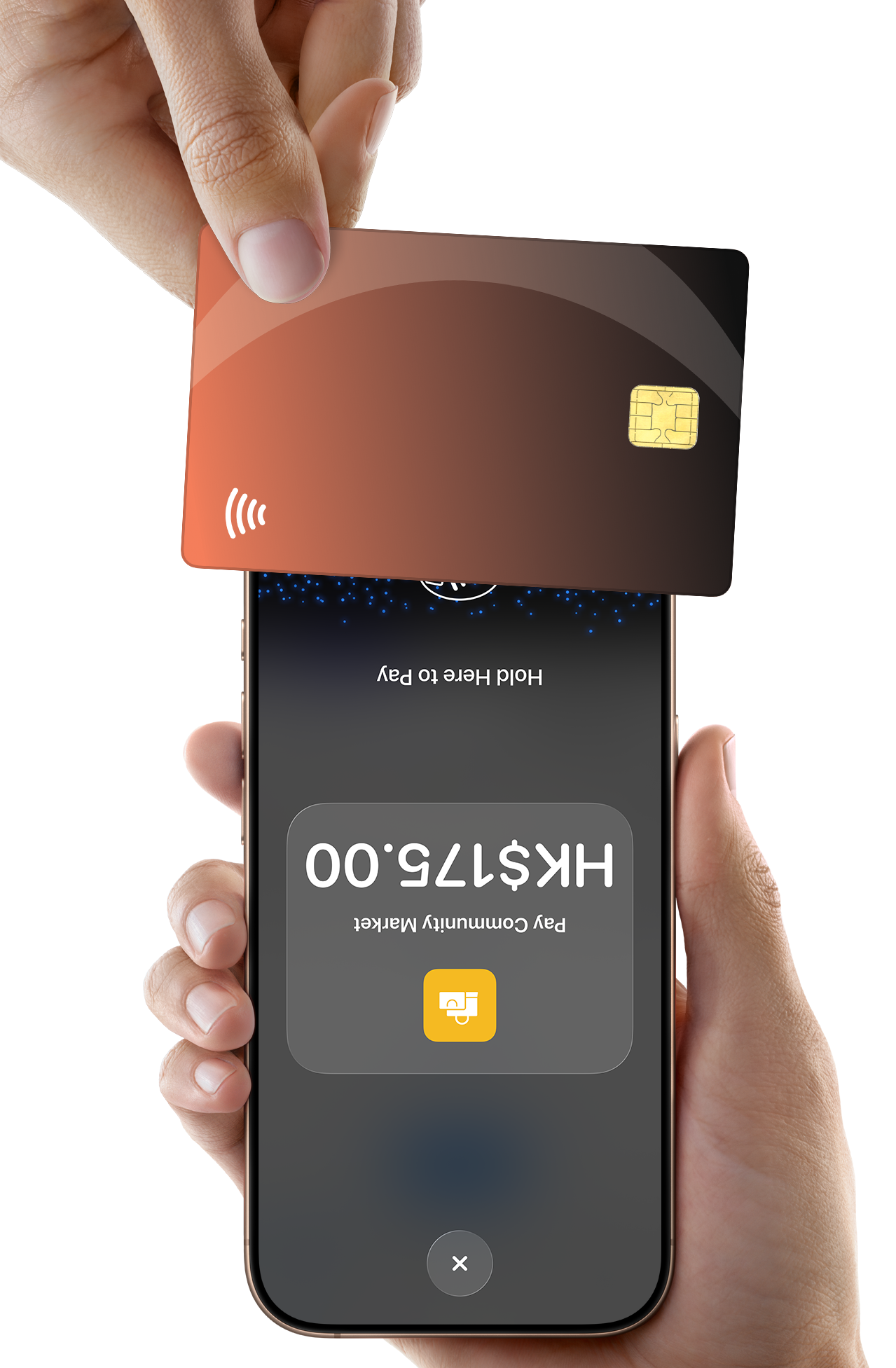
Ask the customer to place their card horizontally or hold it near the contactless payment symbol at the top of your iPhone.
4
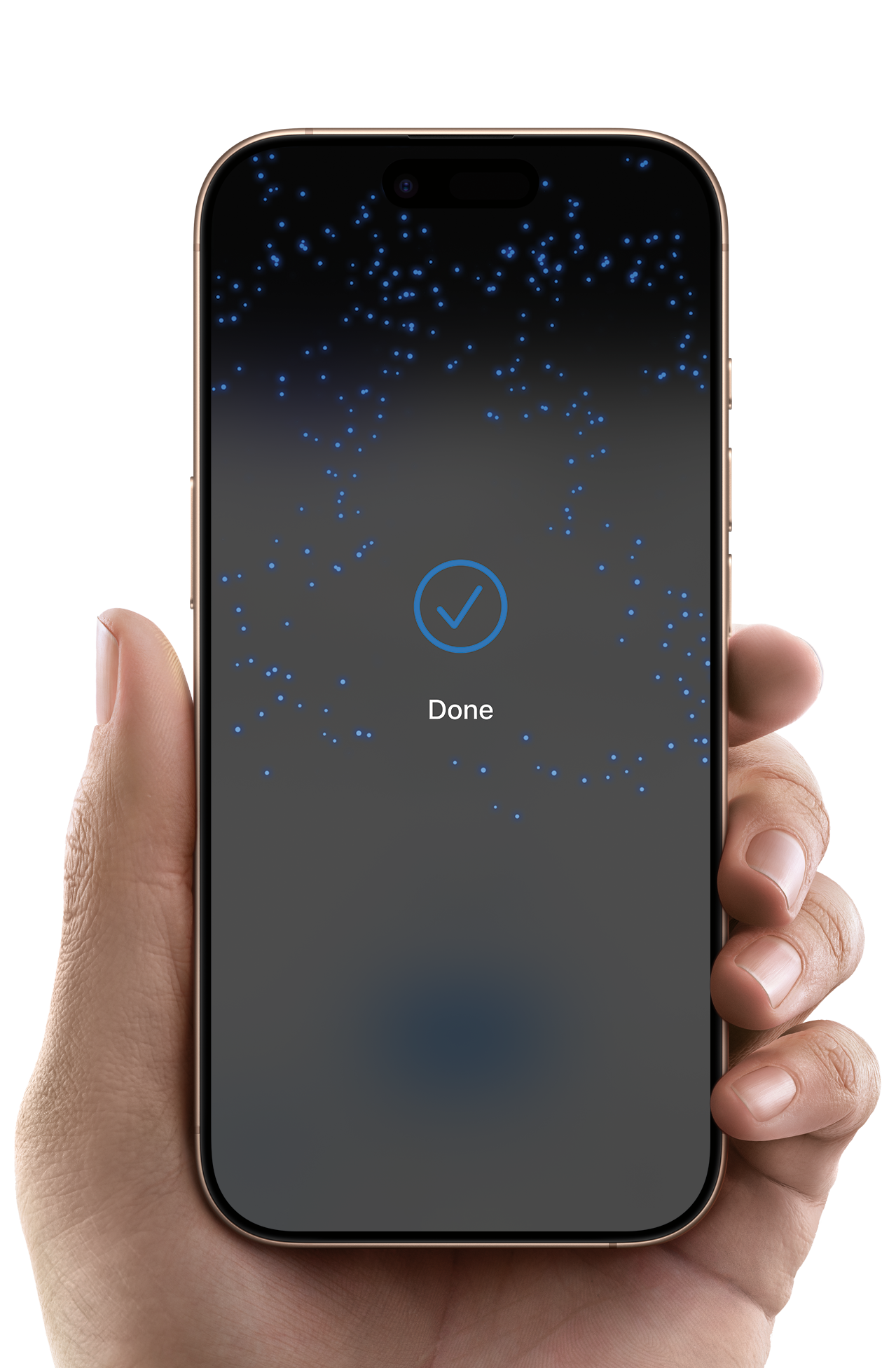
When the “Done” checkmark appears on the screen,
it means the card has been tapped and the transaction has started.
Step 1

Step 2
Step 3
Step 3

Step 4
Enable simplicity
Easy to Start
Download the SoéPay app.
Complete sign-up information.
Accept in-person contactless payments — directly on iPhone.
Help Center
Tap to Pay on iPhone – Q&A
Application Process
- Open the App Store and download the SoéPay – Tap to Pay app.
- Follow the on‑screen instructions to complete registration.
- The application will be reviewed within 3–5 business days.
Please keep an eye on your email or WhatsApp for messages from SoéPay during this period.
Express Activation Process
Open the App Store and download the “SoéPay – Tap to Pay” app.
Activate iPhone Tap‑to‑Pay and MARS Merchant System immediately.
Each transaction is limited to HK$500, with a daily cap of HK$5,000.
The initial settlement cycle is T + 7.You must complete registration within 5 business days by following the in‑app instructions.
Once registration is completed, the transaction limits will be lifted, and the settlement cycle will change to T + 1.
Taxi Driver Application
Eligibility Requirements for Taxi Drivers
Supporting Documents Required (for Taxi Driver Application)
- 駕駛執照
- 的士執業證
- 香港身份證
- 住址証明
- 銀行儲蓄或往來戶口月結單,用來入帳
- 電郵
Merchant Application
Eligibility Requirements for Merchants
Required Documents for Merchants
- HKBR copy if sole proprietorship
- HKCR copy
- NAR1 or NNC1 copy
- Company M&A copy
- The HKID card copy of shop owner, director or board member who has 25% share or above
- The company’s latest bank statement or first page of passbook copy in recent 3 months
- At least 3 shop photos, including the shop’s name, the shop’s products and the shop’s cashier (if any)
For a unlimited company
- HKBR copy if sole proprietorship
- The shop owner HKID card copy
- The company’s latest bank statement or first page of passbook copy in recent 3 months
- At least 3 shop photos, including the shop’s name, the shop’s products and the shop’s cashier (if any)
Supported Payment Methods
Debit Card / Credit Card / E‑Wallet Payments:
Electronic Receipt
After completing a transaction with the “SoéPay – Tap to Pay” App, customers can obtain an electronic receipt via the following methods:
- Email:Enter an email address to receive the receipt via email
- WhatsApp:Enter a WhatsApp number to receive the receipt through WhatsApp
- QR code:Scan the QR code displayed on the merchant’s iPhone to view the receipt
Supported Transaction Currency
Currently, only Hong Kong Dollars (HKD) are supported.
Transaction Security
Void Transaction
Before the daily settlement is completed, merchants can locate a transaction and tap “Void” to immediately issue a refund.
Refund
After the settlement is completed, if a transaction needs to be reversed,
the merchant must contact the SoéPay Support Team to submit a refund request.
Settlement Time
SoéPay automatically settles all transactions at 23:45 every day.
Example:
A transaction processed on May 29 will be automatically settled on May 30 at 23:45 by the SoéPay .
At that time, the MARS Merchant System will display “Settled on 30/5 at 23:45”
Payout Schedule
iPhone Tap to Pay One‑Time Setup Fee: HK$ 780 (Limited‑Time Offer: Setup Fee Waived)
iPhone Tap to Pay Monthly Maintenance Fee: HK$ 300 (Limited‑Time Offer: Maintenance Fee Waived)
Merchant Transaction Fee Rate : As low as 1.4%, Please contact the SoéPay team for a customized quotation.
Limited-time Promotional Event is underway!
Apply now for the Soepay Tap to Pay on iPhone solution to enjoy the following benefits. Spots are limited, so act fast!
- ZERO Account Opening Fee!
- NO Monthly Charges!
- Merchant Transaction Rates Starting from 1.4%!
- FREE Xiaohongshu Business Account Services!
- FREE Online Business Consultation Seminars!
For full details and eligibility, check the latest updates on the Soepay official website. Soepay reserves the right to interpret, modify, suspend, or terminate this offer.
Start to Use
Activate Now
Tap to Pay on iPhone and SoéPay SoftPOS
Dear merchants! Download and use Tap to Pay on iPhone in just one step and start doing business with your iPhone!
Limited-time application offer: HK$0 Account Setup Fee &
Special Merchant Transaction Rates starting from 1.4%